How to Log Out of ClickFunnels
Published: Updated:
This article explains how to log out of your ClickFunnels account. Logging out when you’re not using your account is a good security practice. Remember, any pages and funnels you’ve published will remain accessible to the public even after you log out.
Requirements
Section titled “Requirements”- Logged into an active ClickFunnels account
How to log out of ClickFunnels
Section titled “How to log out of ClickFunnels”-
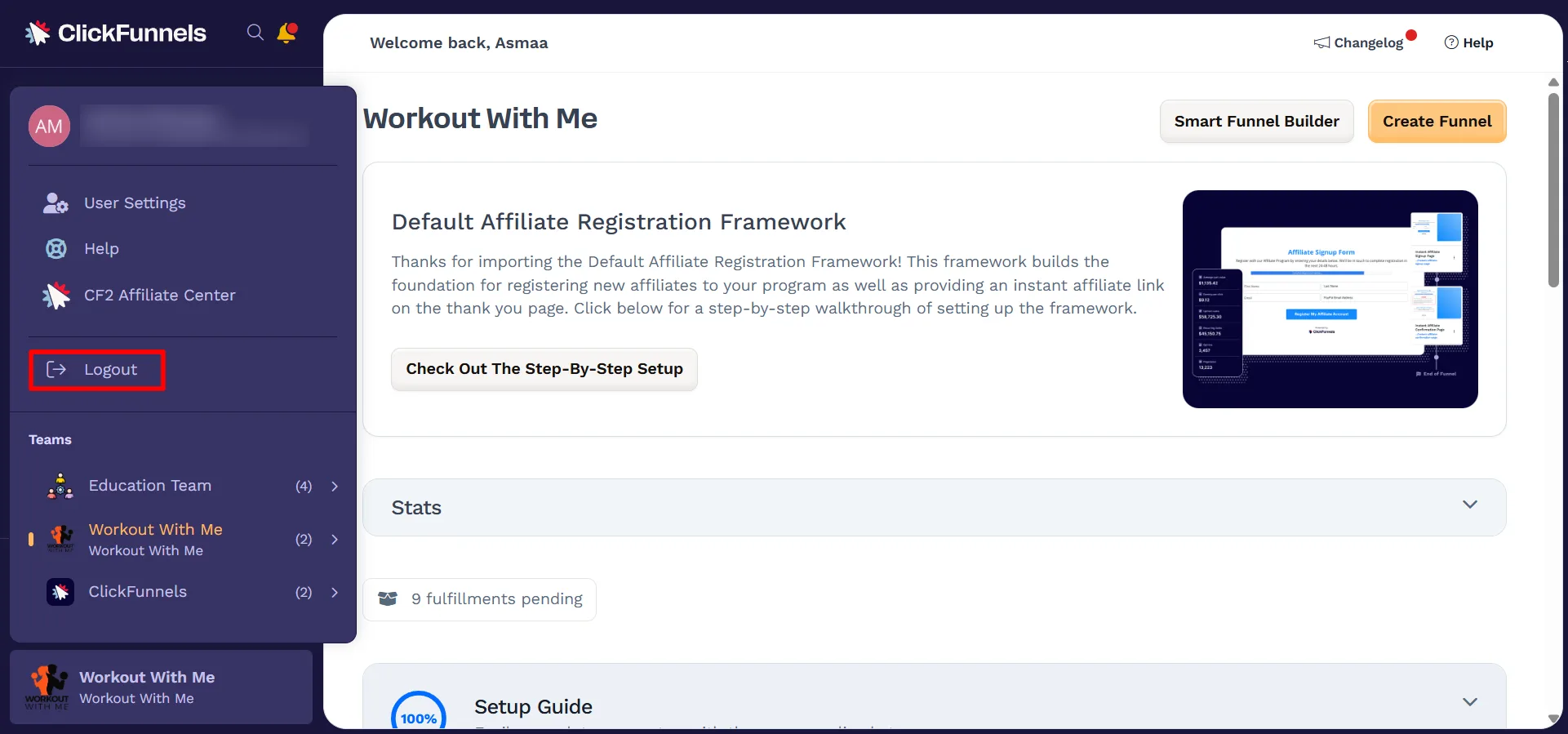
From any page within your ClickFunnels workspace, navigate to the left-hand sidebar.
-
At the bottom-left corner, click your active workspace name to reveal the profile panel.
-
In the expanded panel, click the Logout button.