
Setting Up Workspace Default Payment Gateway
Published: Updated:
Setting a default payment gateway for your workspace is essential to ensuring a smooth and consistent checkout experience across all your funnels and store checkout. The default payment gateway serves as the primary processor for collecting payments within your workspace. This article will guide you through setting up and managing your workspace’s default payment gateway in ClickFunnels.
Requirements
Section titled “Requirements”-
An active ClickFunnels account
-
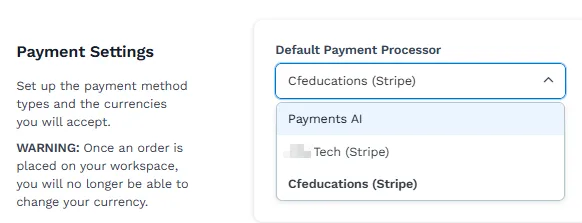
Payments AI connected to the workspace (to use Stripe, connect it through Payments AI), or an existing direct Stripe connection
Setting Your ClickFunnels Workspace Default Payment Gateway
Section titled “Setting Your ClickFunnels Workspace Default Payment Gateway”-
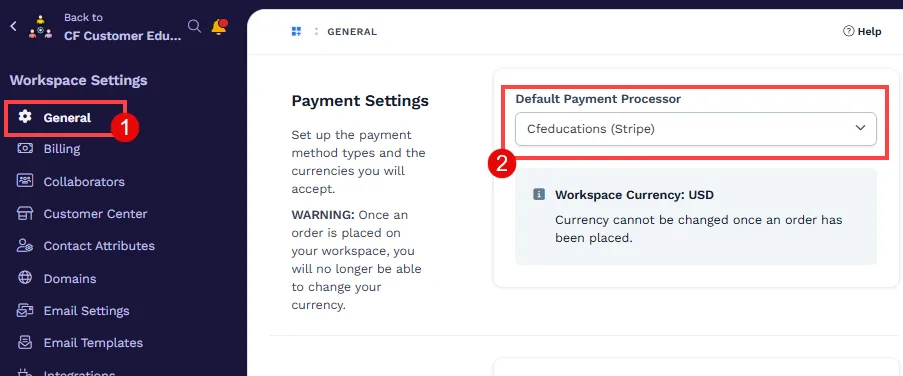
From the ClickFunnels dashboard, click on Workspace Settings in the left-hand navigation panel and select General.
-
Expand the Default Payment Processor dropdown under the Payment Settings section to select your preferred payment gateway account.
-
Click Update Workspace to save settings.