
Using Stripe with Payments AI
Published: Updated:
You can connect Stripe to your Payments AI account to process payments in ClickFunnels. This article will outline the procedure for linking Stripe with Payments AI, how Payments AI manages payment routing, and how to use various payment gateways efficiently.
Requirements
Section titled “Requirements”-
An active ClickFunnels account
-
A verified Stripe account linked to Payments AI
Connecting Stripe to Payments AI
Section titled “Connecting Stripe to Payments AI”To learn how to connect Stripe to Payments AI, please refer to this Payments AI guide: Getting Started - Connecting Stripe.
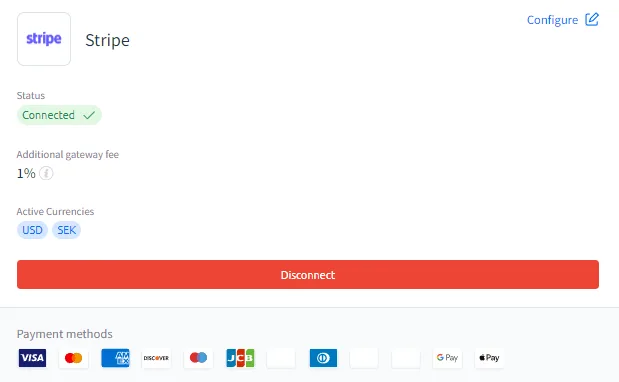
Once Stripe is connected and the status shows CONNECTED in Payments AI, ClickFunnels can begin processing payments using Stripe for your funnels and store products.
Using Payment Gateway Routing Rules in Payments AI
Section titled “Using Payment Gateway Routing Rules in Payments AI”Payments AI provides a feature called Gateway Automation Rules, allowing you to route transactions through different payment gateways based on customized conditions. If you have multiple payment gateways connected, such as Payments AI and Stripe, you can set specific rules to determine which gateway should process each payment.
For example, you could route some transactions through Payments AI while directing others to Stripe. Suppose you want to split the load evenly—50% of all transactions could be routed through Payments AI, while the remaining 50% are handled by Stripe. Alternatively, you might prefer that payments from certain geographic locations are processed exclusively by Stripe, while others are handled by Payments AI.
For a detailed guide on setting up these rules, please refer to the Payments AI documentation: Setting Up Payment Gateway Routing Rules.